Logic Sim

V1.1 is here!!!
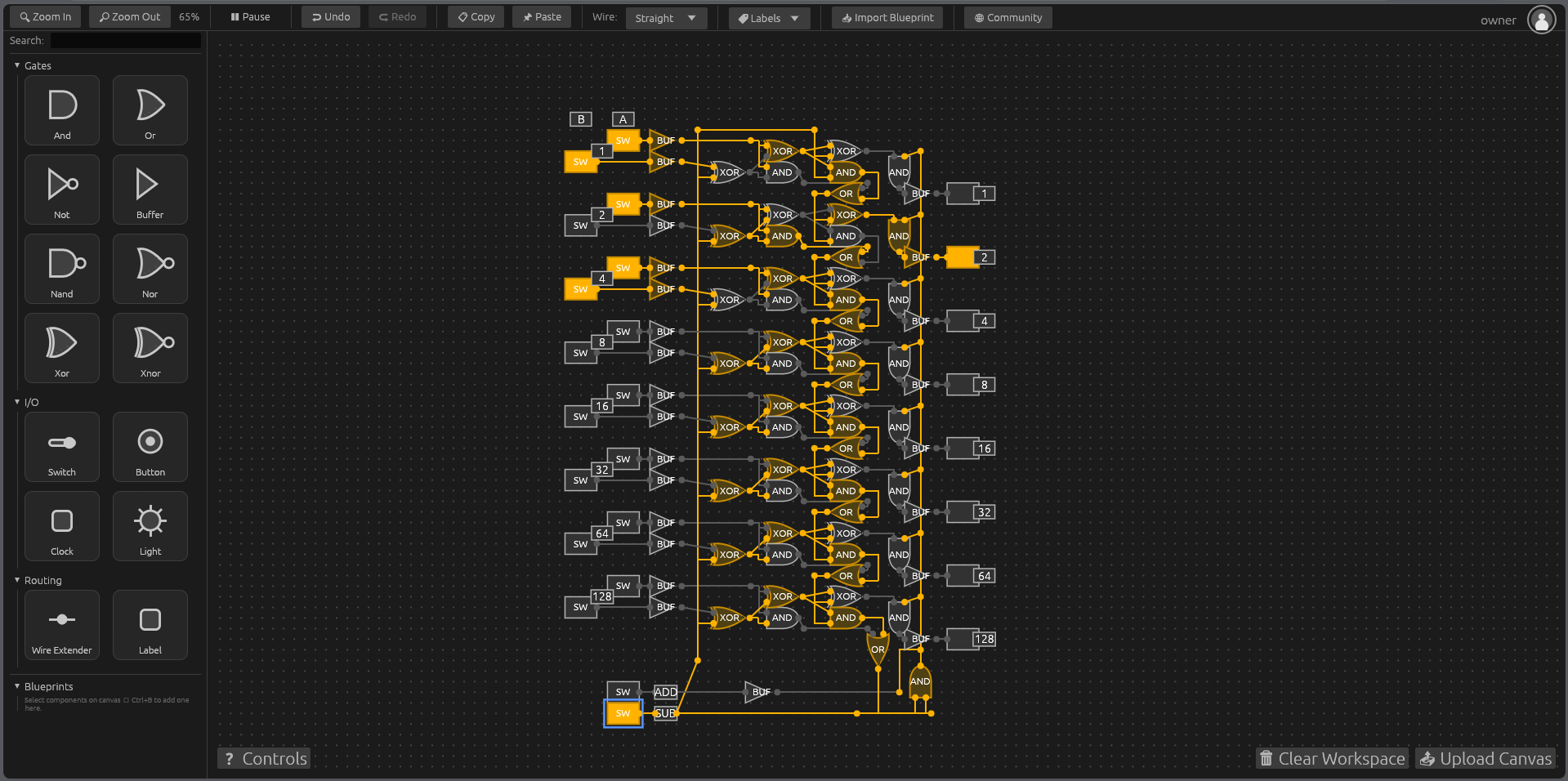
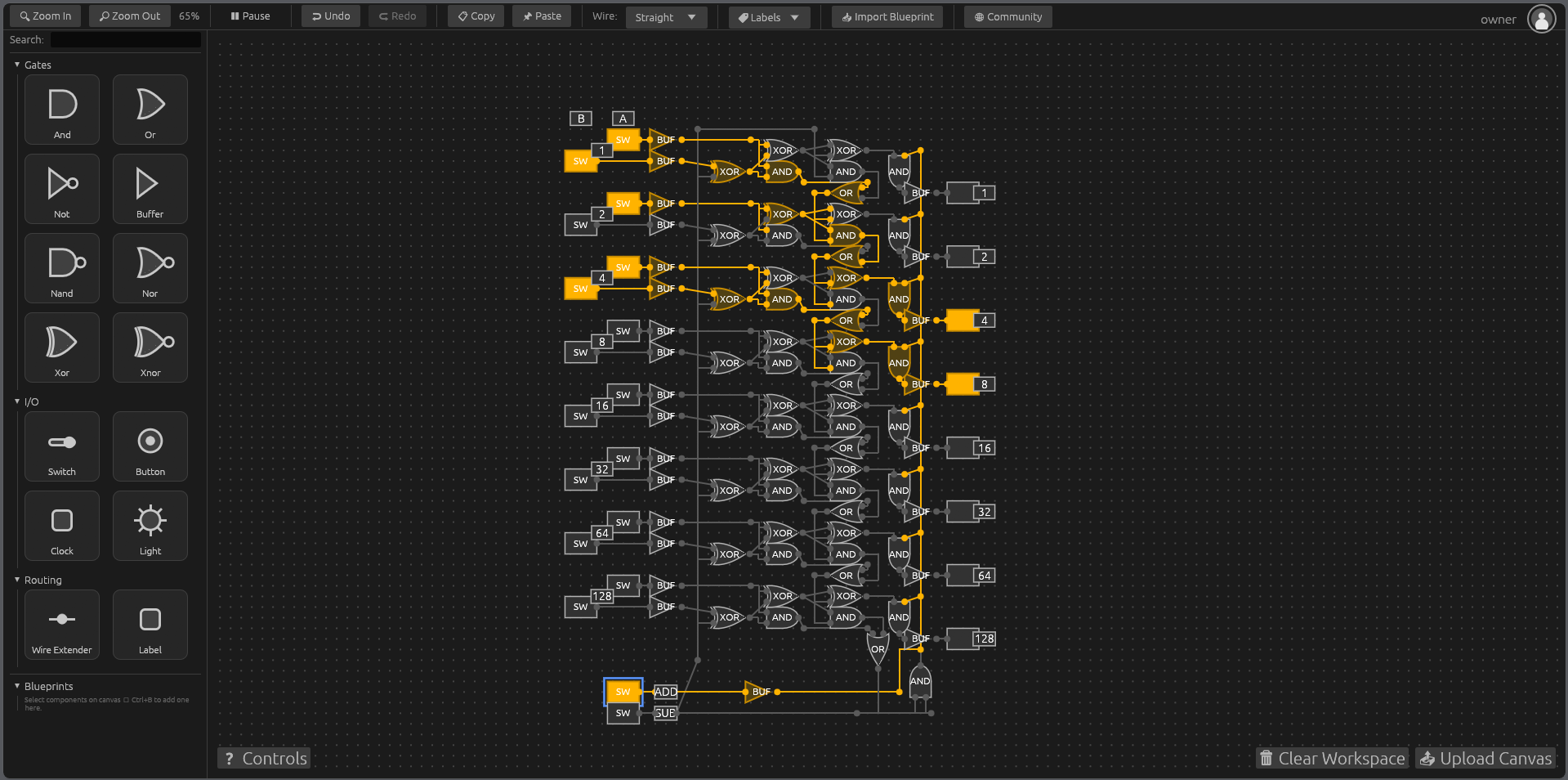
Logic Gate Simulator is a digital circuit sandbox. Wire up:
- AND/OR/NOT/NAND/NOR/XOR/XNOR
- gates, switches, buttons, clocks, lights
build anything from a simple circuit to a working counter or ALU. Free-rust compiled WASM for blazing fast simulation and absolutely tiny game size of around 20MB. download the game here,
or play directly at https://logic-sim.theta-rnd.com
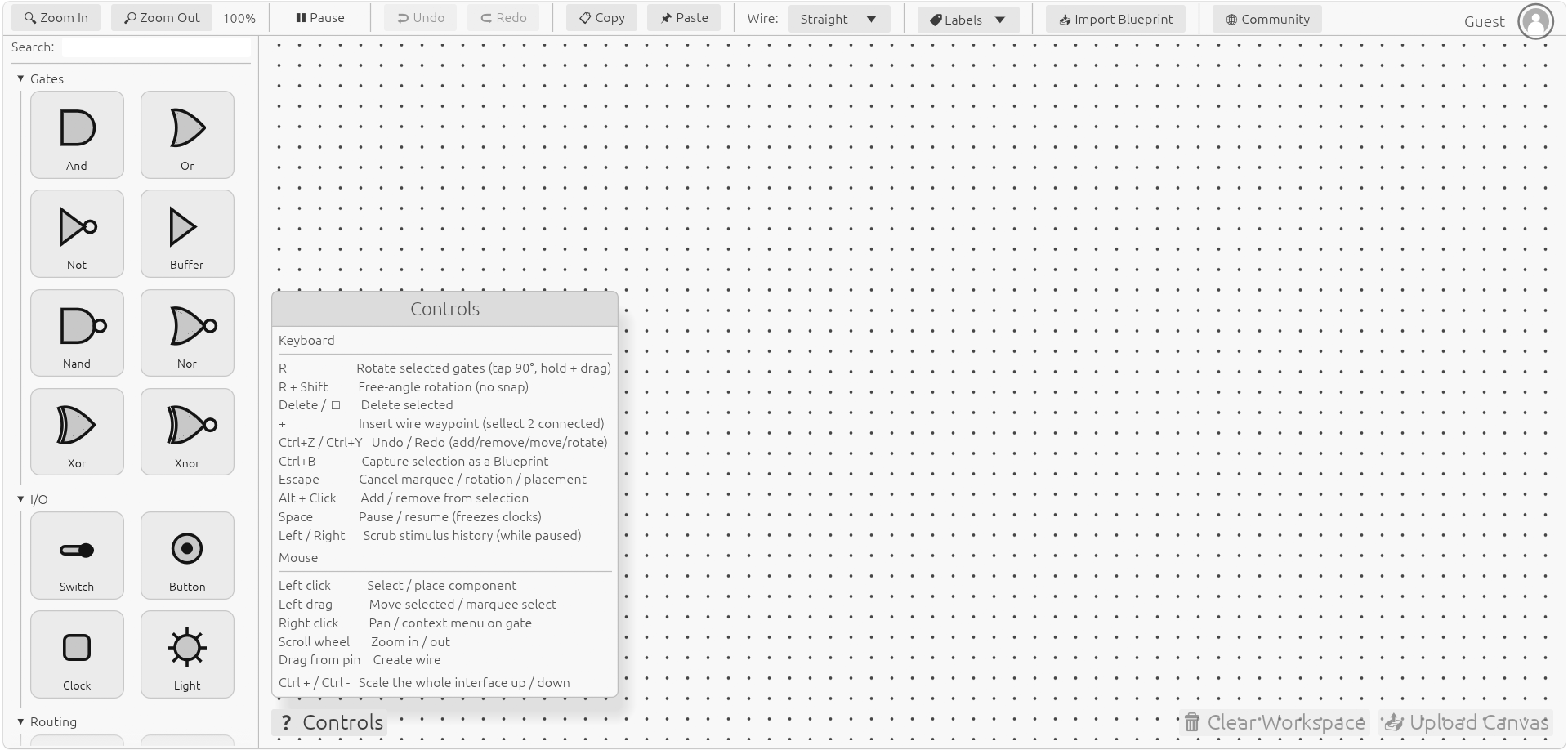
Make sure to visit the community tab in the app!
please consider a donation or support us in other ways!
LinkedIn - coming soon
Discord - https://discord.gg/85rBzG4wbK
X - coming soon
Download
Click download now to get access to the following files:
Development log
- V1.1 is here!!!9 hours ago
- Logic Gate Simulator is live!1 day ago
Comments
Log in with itch.io to leave a comment.
(This is NOT a hate comment)
I really like the concept and overall feel of the simulator. Here are a few constructive suggestions that I think would improve the user experience:
1. Board Panning / Dragging
In most node-based or logic/circuit simulators, panning the board is usually done with Left Mouse Button (LMB) or Middle Mouse Button (MMB) drag. Right-click dragging feels less natural and can conflict with other actions. Adding support for LMB or MMB panning (with an optional toggle) would be a big improvement.
2. Gate Placement Behavior
After selecting a gate from the toolbox and placing it, if I try to click-and-drag the newly placed gate to micro-adjust its position, it instead places another copy of the same gate.
A good solution would be a toggle (in settings or via hotkey) to switch between "continuous placement" mode and "place once + select" mode. Or automatically switch to selection mode after placing a gate.
3. Quick Duplication Feature
It would be very convenient to quickly duplicate gates by holding a modifier key (like Shift or Ctrl) while click-dragging selected items. Instead of area selections, certain locations would be hard to area select for certain designs.
Example: Select one or more gates, hold Ctrl + click and drag to create a duplicate that follows the mouse. This would allow rapid successive duplications, which is much faster than copy/paste for building.
Cool project :D
Hey @Cyber Apps thank you so much for the suggestions!
1 Board Panning / Dragging for right click vs left click i think having a toggle for this would be totally doable and in the future ill probubly make a customize key binds menu
2 Gate Placement Behavior i think what's happing is your clicking on the gate once then again dragging one into the field, the result you want comes from just dragging the gate directly out of the menu so it doesn't trigger the replacement behavior. to turn this off your click on the selected gate in the side menu
3. Quick Duplication Feature - this is very doable and i will include in the next minor update!
thanks again for the feed back and being the first person to provide some!